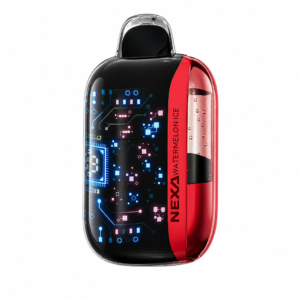
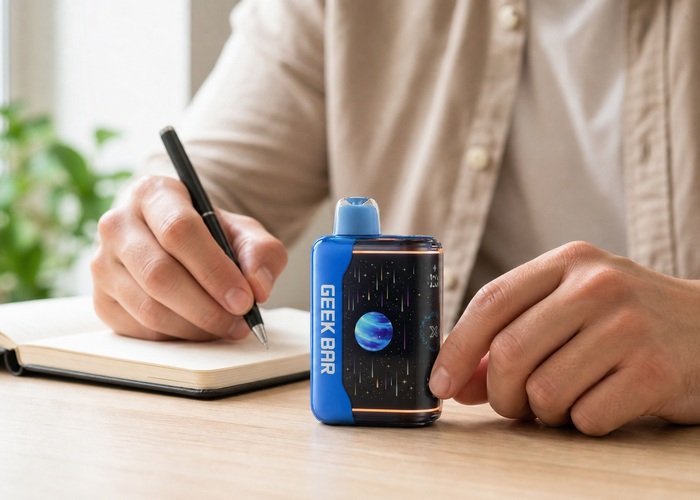
A Geek Bar Pulse X2 screen that flickers, freezes, dims or stays black is not automatically proof that the entire device has failed. The display can lose power while the battery is low, appear dark under bright light, pause during a protection event or stop responding after an impact. The safe goal is to identify the pattern without repeatedly drawing, charging or manipulating a device that may be damaged.
Begin with the Pulse X2 on a clear, nonflammable surface. Do not put it in your mouth while diagnosing the display. If the shell is hot, swollen, leaking, cracked, hissing or activating by itself, the screen question is no longer the priority: stop using the unit and move directly to safe isolation, seller support and appropriate battery handling.
Confirm that the device matches the Airsipgo Geek Bar Pulse X2 product page. Its curved display, mouthpiece and body should be intact. If you are still learning the normal interface, compare it with the Pulse X2 screen-icons guide before treating a normal animation or sleep state as a fault.
Describe the display problem precisely
Record whether the screen is completely black, flashes only during a draw, shows part of the interface, freezes on one percentage or repeatedly restarts. Note whether the device still produces vapor, but do not keep inhaling to gather data. One brief observation is enough. A screen that is merely difficult to see in sunlight may look normal again when moved indoors; a screen that cycles while untouched deserves more caution.
Check the full face under steady room light rather than a phone flashlight pressed against the screen. Look for cracks, moisture beneath the cover, dark blotches or separation around the curved edge. Do not press the screen or flex the body. Pressure can worsen a damaged panel and tells you little about the battery or control circuit.
If the screen shows a battery value but it jumps dramatically, use the Pulse X2 battery-percentage guide. A changing estimate and a truly flickering panel are different symptoms, even though owners often describe both as a broken screen.
Rule out a normal sleep or lighting effect
Let the device sit untouched for a minute, then move the normal exterior control to Close and wait again. Return it to the intended operating position once. This is a power-cycle style check, not a factory reset. Do not flip the switch rapidly or force it beyond its stops. If the display wakes normally, observe whether it remains stable before considering ordinary use.
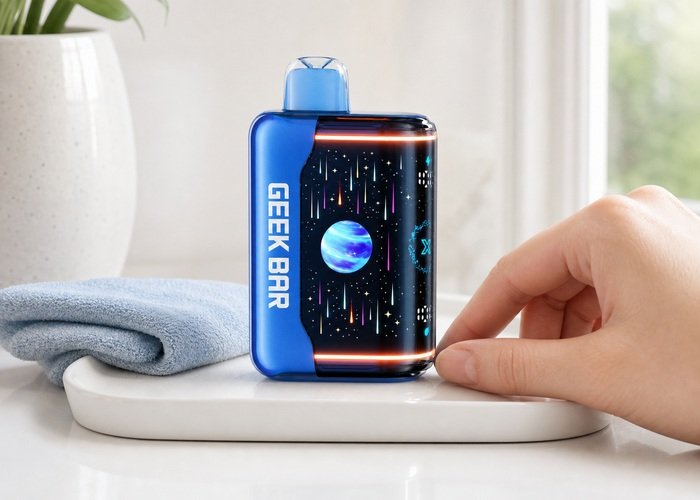
Room lighting matters because the glossy curved surface reflects windows and overhead lamps. View the screen straight on and from a slight angle. A dim animation can disappear under glare without the panel being electrically dead. Photograph the display in normal light so the seller can see the difference between reflection, partial illumination and a completely black panel.
Do not follow online instructions that recommend opening the case, disconnecting wires or shorting contacts. A public repair-community question about a wet Pulse device illustrates why moisture and electronics can create ambiguous behavior; it does not make a sealed lithium-battery product a safe home repair.
Check power without overcharging
If the Pulse X2 is cool, dry, physically intact and shows signs of low battery, perform one supervised charge using a sound cable and ordinary suitable USB source. Follow the Pulse X2 safe charging guide. Place the device on a hard surface, remain nearby and stop if the shell becomes hot, smells unusual or the port connection is intermittent.
Watch whether the screen responds when power is connected, but do not wiggle the plug to provoke it. A display that flashes only when the cable is held at an angle points toward a damaged cable or port, not a screen reset. Disconnect and document the condition rather than supporting the connector with tape or an object.
Charging cannot repair a cracked panel, liquid intrusion or impact damage. The U.S. Fire Administration advises using suitable charging equipment and paying attention to damage and overheating. Stop after one controlled attempt if the screen remains unstable.
Use the display decision table
The table separates low-risk observations from stop conditions. When two rows apply, follow the more conservative action. A stable black screen with a cool, inactive device is a support issue; a black screen combined with heat or self-activation is a safety issue.
| Display pattern | Exterior condition | Next step |
|---|---|---|
| Dim only under strong light | Cool, intact, stable | Move indoors and observe once |
| Black with low battery signs | Cool and dry | One supervised charge |
| Flickers when cable moves | Loose or intermittent port | Disconnect and contact seller |
| Black plus heat, leak, swelling or noise | Unsafe condition | Stop use and arrange safe handling |
What a black screen can hide
A nonworking display removes useful battery, liquid and mode information. Even if the device still activates, you can no longer verify the same operating cues. Do not compensate by taking longer draws, guessing the remaining liquid or waiting for a burnt taste. Continued use with missing indicators may obscure a worsening battery or supply problem.
Listen only from a safe distance. A quiet, cool device that remains inactive is different from one that hisses after a draw or makes noise on the table. Do not block the airflow holes, blow forcefully into the mouthpiece or shake the unit. Those actions can move condensation and create a second problem.
The CDC overview of e-cigarettes is a useful reminder that this is both a nicotine product and a battery-powered electronic device. Troubleshooting should stay limited to normal exterior controls and observation, not internal repair.
Product orientation video
The following public video is included to help identify normal exterior controls and display behavior. It is not an instruction to open, refill or repair a sealed device.
After viewing, return to the exterior observation sequence. Do not copy unverified repairs from other videos or comments, especially those involving impact, wires, heat, puncturing or liquid insertion.
Write down the result of each safe check before changing another variable. A stable sequence helps the seller understand the fault and prevents repeated activation from changing the condition.
If any heat, leak, swelling, odor, noise or self-activation appears, stop immediately. A normal-looking screen or window does not override a physical warning sign.
Prepare evidence for the seller
Photograph the screen in steady indoor light, the USB-C area, the mouthpiece and the complete body. Record when the problem began, whether the device was dropped or exposed to moisture, the last battery reading you remember and whether it still activates. Keep the package and order details, but avoid publishing serial or personal information in a public forum.
Review the Airsipgo warranty information and provide the observations in chronological order. A concise report is more useful than a list of unverified fixes. If the screen briefly returns, add a photograph instead of assuming the fault is permanently resolved.
Do not send a damaged battery product through ordinary mail unless the seller supplies an approved process. The EPA lithium-ion battery guidance explains why battery-containing products require special collection and must not enter household recycling bins.
When to retire the Pulse X2
Retire the unit if the display fault follows impact or liquid exposure, returns after one normal power check, or appears with heat, leaking, swelling, odor, hissing or unintended activation. Move it only if doing so is safe. Keep it away from children, pets and combustible material while arranging local handling.
A device that is cool and stable can be stored upright in a ventilated location while support responds. Keep cables, coins and keys away from it. Do not seal a warm or leaking unit inside plastic. If its condition changes, update the seller and follow local emergency guidance rather than testing it again.
The EPA household e-cigarette guidance covers residual nicotine and battery concerns. If liquid is swallowed or contacts eyes or skin, use Poison Control guidance and seek appropriate medical help.
Deeper checks before the final decision
A useful comparison is the screen before and after a normal rest, not a sequence of repeated draws. Write down whether the entire panel goes dark or only one edge loses illumination. A partial dark band, spreading blotch or color distortion after pressure or impact is stronger evidence of panel damage than a display that simply sleeps between activations. Keep photographs under the same lighting so support can compare them.
Moisture deserves a separate branch. If the device came from a cold vehicle into a warm room, allow it to reach room temperature naturally before any power test. Do not use rice, compressed air or a hair dryer. If liquid or condensation is visible beneath the display cover or near the port, skip charging and treat the device as potentially damaged even when the shell feels cool.
A frozen percentage is not always a frozen screen. Watch whether mode icons, edge lighting or other parts of the interface still change. If some elements respond while one estimate remains fixed, document that distinction. Do not run the battery down deliberately to prove the number is wrong. The seller needs the observed mismatch, not an artificially exhausted device.
If a normal control cycle restores the screen, let the device remain idle for several minutes and then observe one brief activation. Do not declare the issue solved after a single flash. A display that repeatedly disappears, restarts or loses sections has an intermittent fault and should follow the support path, especially when the behavior began after a drop.
Use the warranty page to organize the evidence, and check the return policy before packaging anything. Ask whether the seller needs a video of the screen and whether a damaged battery product can be transported. Never mail it simply because the display is dark.
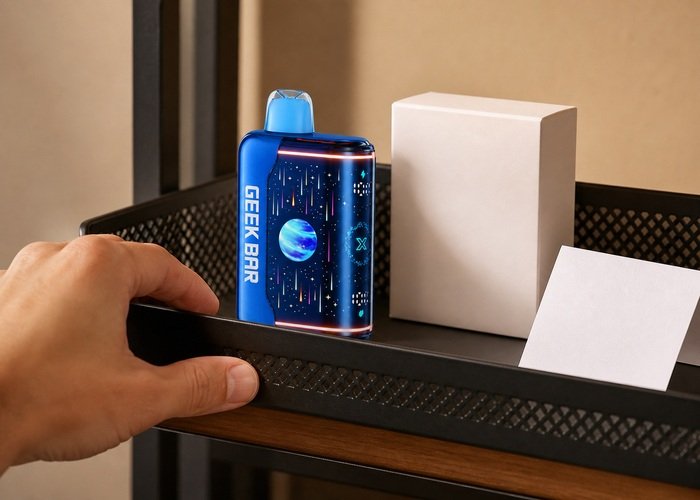
Storage while waiting should be boring and predictable: upright, room temperature, ventilated, separated from chargers and metal objects. Check from a distance rather than pressing the screen. If the unit lights by itself, becomes warm or makes noise, move to the stop condition and seek local safety advice.
The most important decision is whether the screen fault is cosmetic or removes reliable operating information. When the display remains unavailable, you cannot confidently read battery, liquid or mode status. Retiring the unit is more responsible than guessing through the remaining life of a sealed product.
Before closing the case with support, compare the display problem with the device’s other behavior one last time without activating it: is the screen dark while untouched, is the body cool, and is there any sound or odor? Those three observations create a clean baseline. They also prevent a support conversation from focusing only on pixels when the more important evidence may be heat, moisture or unintended activation.
Final checklist before support
Keep the exact Geek Bar Pulse X2 cool, upright and separated from metal objects while you prepare the report. Revisit the product page to confirm the model and retain the original package when available.
Do not open, puncture, crush or short the device. Review the battery fire-prevention guidance before deciding whether another session is appropriate.
When retirement is recommended, follow the household e-cigarette handling guidance and the seller’s transport instructions. Never improvise shipping for a damaged lithium battery.
Choosing to stop is a complete diagnostic result. A sealed product is replaceable, while a battery or nicotine exposure can create consequences that no extra test is worth.
Frequently asked questions
Can a black Pulse X2 screen be reset?
You can use the normal exterior Close/on control once and, if appropriate, perform one supervised charge. There is no safe reason to open the case for a factory reset.
Can I keep using it if it still produces vapor?
That is not recommended when the display remains faulty, because battery, liquid and mode cues are unavailable.
Why does the screen work only while charging?
A low battery, cable problem, port issue or internal fault may be involved. Do not hold the plug at an angle; document the behavior and contact the seller.
What if the screen flickers after a drop?
Stop using the device. Internal damage can exist even if the body looks mostly normal.
How should I dispose of a failed unit?
Use a local collection route for battery-containing electronic or nicotine products, not household trash or curbside recycling.