A Geek Bar Pulse X2 screen that stays on while the device is resting is a display symptom, but the first question is whether the unit is only illuminated or is also activating. A bright, silent screen on a cool device calls for a careful observation and one normal control check. A screen accompanied by heat, vapor, hissing, odor or battery loss calls for immediate stop-use handling. Treat those two patterns differently from the beginning.
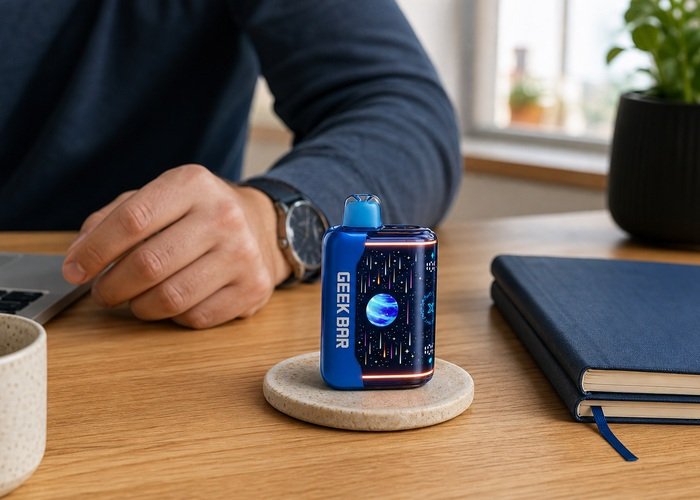
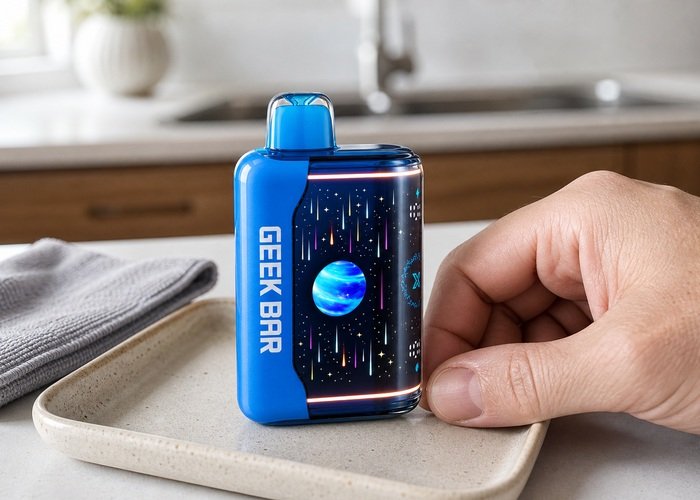
Place the Pulse X2 upright on a clear ceramic or stone surface and leave the mouthpiece alone. Watch it for a full minute without drawing, charging or repeatedly moving the controls. If the shell is warm and getting warmer, the device makes a firing sound, or vapor appears while nobody is using it, move away and follow the site’s auto-firing and hissing checklist rather than continuing a screen test.
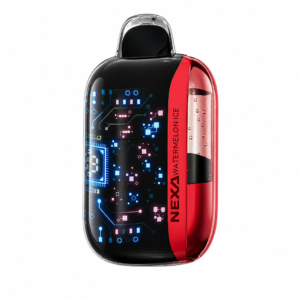
Confirm that the shape, mouthpiece and curved display match the Airsipgo Geek Bar Pulse X2 product page. The display is designed to wake during normal interaction, so a brief animation is not the same as a panel that remains fully lit while idle. If the interface itself is unfamiliar, compare it with the Pulse X2 screen-icons guide before deciding that a normal symbol is a fault.
First separate light from firing
Stand where you can see the screen and the mouthpiece without leaning over the device. A display-only fault produces light but no vapor, coil sound or rising heat. Auto-activation can show an animation that looks similar to a normal draw, yet it is usually accompanied by a faint hiss, warmth or visible vapor. Do not put your ear against the mouthpiece. Quiet observation from a short distance is enough to decide which path applies.
Check whether the battery percentage or liquid symbol changes while the unit is untouched. One static image may be a frozen panel; a repeating draw animation suggests the electronics believe airflow is present. Do not create extra airflow by blowing into either end. Reverse pressure can move condensation toward the sensor and make the diagnosis less clear. Record ten or fifteen seconds of video for the seller instead of trying to reproduce the behavior many times.
The FDA overview of electronic nicotine delivery systems is a useful reminder that the product combines nicotine liquid, a heating element and a rechargeable battery. A screen problem is therefore not just a cosmetic annoyance when it arrives with electrical warning signs. The safe limit is exterior observation, not internal repair.
Use one normal control cycle
If the Pulse X2 is cool, dry, quiet and physically intact, move the normal exterior control to Close once. Wait at least thirty seconds, then return it to the intended position once. This is not a hidden reset, and rapidly flicking the control does not add useful information. A healthy screen should settle after the ordinary cycle. If it immediately returns to the same stuck state, note that result and stop repeating the test.
Inspect the control path for obvious pocket lint or debris, but do not insert pins, blades or liquid cleaner. The control should travel through its normal range without force. Resistance, looseness or a position that no longer matches the screen is evidence for support. It is not a reason to pry the base. The Pulse X2 airflow guide shows how the normal control should feel in routine use.
Room lighting can make the curved panel seem active after it dims. Turn off a nearby lamp or change your viewing angle rather than covering the screen with your hand. Reflections move as you move; illuminated pixels remain in the same place. A short photo in steady room light helps a seller distinguish glare, a frozen interface and a continuously powered panel.
Check power without creating a second problem
A low or unstable battery can leave a display in an odd state, but charging is appropriate only when the shell is cool, dry and undamaged. Use one sound cable and a suitable ordinary USB source on a hard surface while staying nearby. Follow the Pulse X2 charging guide. Disconnect immediately if the port crackles, the shell heats quickly, the screen cycles rapidly or an unusual smell appears.
Do not leave the cable connected simply because the screen is bright. A persistent display does not prove that charging is complete, incomplete or safe. Note whether the battery symbol changes normally during one supervised session, then disconnect. The U.S. Fire Administration’s battery and charging guidance supports using suitable equipment and paying attention to damage, overheating and unattended charging risks.
If the display wakes only when the plug is held at an angle, stop. That pattern points to a cable or port connection problem, not a screen-reset technique. Do not brace the plug with another object or tape it in place. Photograph the port and the behavior, disconnect power and ask the seller for the next step.
Read the symptom table conservatively
Use the table as a triage tool rather than a promise of repair. When more than one row fits, choose the more conservative action. A bright screen that goes dark after one ordinary control cycle can be monitored. A screen that remains on and drains the battery, or any screen condition paired with heat or firing, should be treated as a fault.
If the percentage changes sharply after one draw or falls while the device is sitting, compare the pattern with the existing Pulse X battery-drain guidance. The model is not identical, but the distinction between normal display estimation and unexplained idle drain remains useful. Do not publish private order details or serial numbers when asking in public forums.
A screen that shows the same value for hours may be frozen even if the device still works. Missing reliable battery, liquid and mode information makes continued use a guessing exercise. Avoid compensating with longer draws or repeated mode changes. The display’s purpose is to inform routine decisions; once it is persistently unreliable, seller support is the practical path.
| What you observe | Likely category | Safest next step |
|---|---|---|
| Screen bright, device cool and silent | Display or sleep-state fault | One normal control cycle, then document |
| Screen bright and battery falls while idle | Power-management fault | Stop routine use and contact seller |
| Screen animation with hiss, heat or vapor | Possible auto-activation | Stop immediately and isolate safely |
| Screen stays on during a loose cable connection | Port or cable fault | Disconnect; do not brace the plug |
Prepare a useful support record
Take four clear photographs: the illuminated screen while untouched, the complete body, the mouthpiece and the USB-C area. Add the time the fault began, whether the device was charged or dropped, whether the screen ever sleeps, and whether there was any sound, heat or vapor. A concise timeline is more useful than a list of internet tricks. Keep the original package and purchase record available privately.
Review the Airsipgo warranty information and describe the exact model and symptom. Do not say that the unit is auto-firing unless you actually observed activation. Likewise, do not call it a battery failure merely because the screen is bright. Accurate wording helps the seller decide whether to replace, inspect or provide a local handling instruction.
If the device must be retired, do not open it to disconnect the screen. The EPA guidance for used lithium-ion batteries explains why battery-containing products require appropriate collection and should not enter household recycling bins. Keep the unit upright, cool and away from metal objects while you arrange the correct local route.
Know the immediate stop conditions
Stop using the Pulse X2 immediately if the screen stays on with rising heat, swelling, a sweet or chemical odor, leaking, repeated hissing or vapor while untouched. Do not carry it in a pocket or bag. If it is already smoking, extremely hot or visibly damaged, keep your distance and seek appropriate emergency help. A screen-only article cannot make an unstable battery safe.
Liquid exposure changes the decision too. If the mouthpiece, seams or charging port are wet, do not charge the unit in an attempt to clear the display. Keep it away from children and pets. The EPA household e-cigarette handling page covers both residual nicotine and battery concerns when these products reach end of life.
If nicotine liquid reaches skin, eyes or the mouth, stop the device assessment and address the exposure. The Poison Control e-cigarette guidance provides practical exposure steps and contact options. Do not induce vomiting or rely on improvised neutralizers.
Avoid common fixes that create false results
Do not strike, drop or squeeze the Pulse X2 to make the display change. A temporary response after impact does not prove a loose screen was safely restored; it may simply move a damaged connection while adding stress to the battery. The same caution applies to placing the device in a freezer, on a radiator or in direct sun. Extreme temperature changes can affect battery behavior and condensation, making the original symptom harder to interpret.
Do not cover the airflow openings and draw hard in an effort to force a sleep cycle. The screen is not controlled by suction alone, and excessive airflow can move condensation toward the sensor. Likewise, do not use a magnet, metal probe or improvised electrical contact near the base. A useful diagnostic is repeatable and low risk: observe, use the ordinary control once, and perform one appropriate supervised charge only when every safety condition is met.
A phone camera can help, but turn off flash if it creates glare on the curved panel. Film the device from the side so the viewer can see both the mouthpiece and screen, and include several seconds before and after any animation. This gives support evidence of whether the panel remains lit while the product is untouched. Do not post the package code, order number, address or payment details in a public video.
Finally, distinguish inconvenience from urgency. A continuously bright but cool, quiet device can remain on a clear surface while you contact support. A unit that heats, hisses, leaks, swells or produces vapor requires immediate distance and safe handling. The display symptom may look the same at first glance, but the accompanying physical evidence changes the entire response.
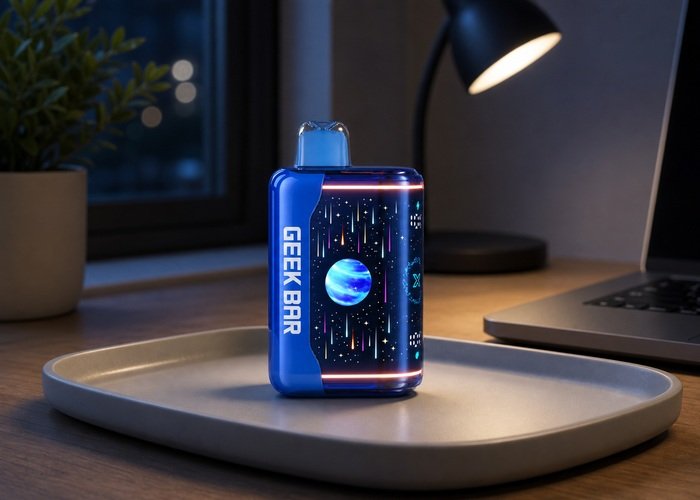
After the checks, leave the device on the tray for several minutes. If it sleeps normally and remains cool and quiet, note the result before any ordinary use. If the screen locks on again, the recurrence matters more than the temporary recovery. Repeating the same cycle throughout the day can drain the battery and hide a developing fault.
Store a cool, stable unit upright in a ventilated place while support responds. Keep it away from sunlight, heaters, wet surfaces, keys and coins. Do not seal a warm unit inside a bag. If its condition changes while waiting, update the seller rather than running the checklist again.
The CDC e-cigarette overview also emphasizes that these products are not harmless and are intended only for adults who already use nicotine. Keep the Pulse X2 and any leaked material completely away from children and pets, even when the device appears inactive.
The practical answer to a Geek Bar Pulse X2 screen that stays on is simple: distinguish display light from actual firing, perform only one ordinary external check, and stop when the behavior persists or any safety sign appears. A clear support record protects you better than striking, opening or repeatedly charging the device.
Frequently asked questions
Why does my Pulse X2 screen stay on after a draw?
The display may be frozen, the control may not have entered its sleep state, or the device may still be sensing activation. Watch for sound, heat or vapor and stop immediately if any appears.
Can I reset the screen?
Use only the normal exterior Close/on control once. There is no reason to open the case or short contacts for a screen reset.
Is it safe if the device is cool?
A cool, silent device is lower risk than one that is hot or firing, but a screen that repeatedly will not sleep still deserves seller support.
Should I charge it to turn the screen off?
Only perform one supervised charge if the device is cool, dry, intact and actually needs power. Charging is not a repair for a persistent display fault.
How should I dispose of it?
Use a local route for battery-containing electronic and nicotine products. Do not place it in household trash or curbside recycling.