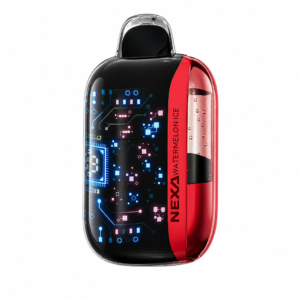
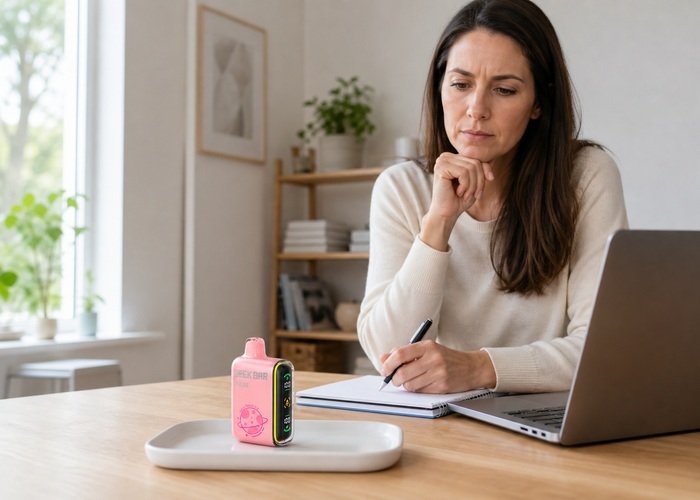
A Geek Bar Pulse may feel slightly warm immediately after use or during a supervised charge, but it should not become painfully hot, continue heating while untouched or develop heat together with hissing, leaking, odor or swelling. The practical distinction is whether warmth fades quickly after you stop, or whether temperature continues to rise without a normal reason.
If the device is hot now, stop using it. Disconnect power only if you can do so safely, place it on a clear nonflammable surface away from people and combustible material, and do not pick it up repeatedly to check. Smoke, deformation, intense heat or fire requires distance and appropriate emergency assistance, not online troubleshooting.
Compare the device with the Geek Bar Pulse product page and inspect the shell, screen, mouthpiece and charging area without squeezing. If the device is also making noise or activating by itself, use the Pulse auto-firing and hissing checklist and do not attempt another draw.
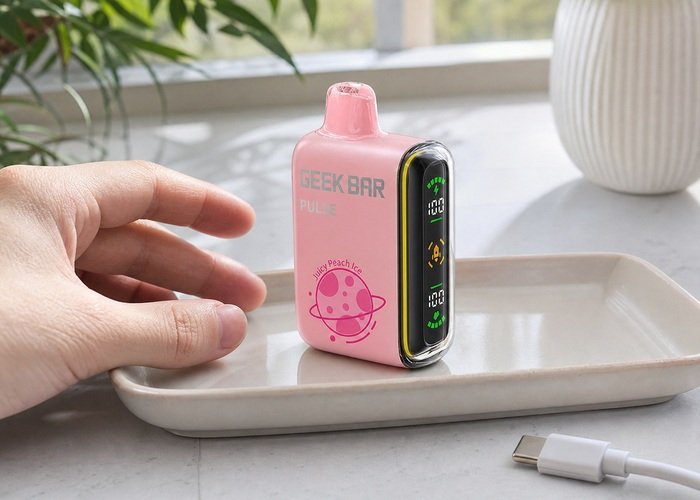
Define where and when the heat appears
Write down whether warmth began during a draw, in Pulse mode, while charging, inside a hot vehicle, after a drop or while the device was sitting untouched. Location matters too: warmth around the mouthpiece after repeated use differs from heat concentrated near the battery or charging port. Do not rely on an exact temperature you cannot measure safely; use change, persistence and discomfort as warning clues.
Set the unit down and observe whether it cools on its own. Do not wrap it in a towel, place it in a freezer, immerse it in water or direct a heater or hair dryer at it. Extreme cooling or moisture can damage the battery and create condensation. Natural cooling in a clear, shaded, ventilated area is the safer approach for a stable device.
A public owner discussion about Pulse mode warmth shows that users notice a hotter experience in the stronger mode. That observation helps identify a question, but it is not a safety specification. Uncomfortable heat or heat that persists at rest should not be dismissed as normal mode behavior.
Separate use-related warmth from a fault
Rapid repeated draws can accumulate heat faster than the device can release it. Stop and allow a substantial rest. When the device is completely cool and has no other warning sign, return to Regular mode and take no more than one brief normal draw for observation. If heat returns immediately or feels stronger, end the test.
Long, forceful draws can also increase the thermal load and draw liquid where it does not belong. Do not compensate for weak vapor by inhaling harder. Use the Regular versus Pulse mode guide to understand the intended experience, not as permission to continue with a hot device.
If the screen is on but vapor is missing, consult the screen-on but no-vapor guide. Heat plus failed output is more concerning than either symptom alone, because repeated activation attempts may add energy without providing a normal result.
Evaluate heat during charging
Disconnect the cable if the device becomes hot rather than mildly warm, the screen restarts, the port smells unusual or the connector must be held at an angle. Place the device and adapter apart so you can tell which one is warming. Do not resume charging with a larger or faster power source.
For a cool, undamaged unit, follow the Geek Bar Pulse safe-charging guide. Use a sound cable, ordinary suitable USB source and hard surface, and remain nearby. Charging on bedding, sofas, paper or inside a bag hides heat and increases fire risk.
The U.S. Fire Administration safety guidance emphasizes suitable charging equipment, observation and attention to damage. Repeated overheating after a cable change is evidence for support, not a reason to test more adapters.
Heat pattern decision table
Use the table after the device has been placed safely. If you cannot confidently place the symptom in the first two rows, choose the stop condition. A conservative decision avoids turning a minor uncertainty into a battery emergency.
| Heat pattern | Other signs | Action |
|---|---|---|
| Slight warmth after one normal draw | No damage, fades during rest | Rest and monitor conservatively |
| Warm during supervised charge | Stable screen, no odor | Observe and disconnect when adequate |
| Hot, painful or heating at rest | May occur without another sign | Stop, isolate and contact seller |
| Heat plus hiss, leak, swelling, odor or smoke | Unsafe condition | Move away and seek appropriate help |
Check for linked warning signs
Look for swelling, a bowed seam, cracked plastic, liquid at the mouthpiece or port, discoloration and a screen that stays active. Smell from a distance; a sharp chemical or burnt-electrical odor is a stop signal. Do not bring a hot device close to your face to inspect it.
Listen for hissing, popping or activation sounds while the device is untouched. Do not block airflow to make the sound stop. Move away if heat is increasing. A sealed product with persistent activation is not suitable for household repair or continued storage in a pocket.
The FDA overview of electronic nicotine delivery systems provides reporting and product context. The battery, liquid and heating system must be considered together when heat behavior changes.
Product orientation video
The following public video is included to help identify normal exterior controls and display behavior. It is not an instruction to open, refill or repair a sealed device.
After viewing, return to the exterior observation sequence. Do not copy unverified repairs from other videos or comments, especially those involving impact, wires, heat, puncturing or liquid insertion.
Write down the result of each safe check before changing another variable. A stable sequence helps the seller understand the fault and prevents repeated activation from changing the condition.
If any heat, leak, swelling, odor, noise or self-activation appears, stop immediately. A normal-looking screen or window does not override a physical warning sign.
Document the incident without retesting
Once the device is cool and stable, photograph the complete body, display and charging port. Record the mode, approximate battery and liquid indicators, cable and power source, how long the session lasted and whether the device was dropped or exposed to heat. Do not stage another overheating event for a video.
Consult the Airsipgo warranty information. Tell the seller whether the device cooled after power was removed and whether heat occurred while untouched. Keep order information private and follow any transport instructions before returning a lithium-battery product.
If liquid contacts skin, eyes or is swallowed, use Poison Control guidance and seek appropriate care. Wash exposed skin rather than handling the device further.
Storage and end-of-life handling
A device that overheated should not return to a pocket, vehicle console or bedside drawer. If it is cool and stable, keep it upright in a ventilated location away from children, pets, direct sun and metal objects while arranging support. If it heats again, move away and seek local emergency guidance.
Do not place a battery-containing vape in household trash or curbside recycling. The EPA battery recycling page explains the fire risk created when lithium-ion batteries enter waste equipment, while the household e-cigarette guidance addresses residual nicotine.
The safest outcome may be retirement even when the unit later feels cool. Temperature returning to normal does not erase a repeated heat event, impact damage, leaking or self-activation. Preserve your notes and stop before another test changes the evidence.
Deeper checks before the final decision
Heat after storage in a car or direct sun should not be confused with heat generated by the device, but it is still a reason to wait. Move the unit to a shaded, ventilated place and let it return naturally to room temperature. Do not activate or charge it while the shell is already warm from the environment, because you will not be able to separate environmental heat from electrical heat.
The duration of warmth matters. A small temperature rise that fades promptly after one normal draw is different from a device that stays warm for many minutes or grows warmer at rest. Use a clock rather than repeatedly touching the shell. If temperature is increasing, stop approaching the unit and make space around it.
Odor can provide a warning before visible deformation. A new sharp, sweet-chemical or burnt-electrical smell from an unused device is not something to clear with another draw. Step back, keep the area ventilated and document the observation only when safe. Do not bring the mouthpiece close to your nose.
Charging accessories should be examined separately after the incident. A damaged connector, frayed cable or unusually warm adapter should be retired. Do not test that accessory on another battery product. If both the adapter and Pulse were hot, include both facts in the retailer report rather than deciding which one caused the event.
The warranty page helps structure a claim, while the return policy explains the next commercial step. Photograph the device only after it has cooled and stabilized. Ask for transport instructions before placing it in packaging.
Adults often test warmth by gripping the device, but repeated handling is unnecessary. Observe screen activity, sound and time from nearby. If you must move a cool stable unit, keep the route clear and place it on a hard nonflammable surface. Never carry an uncertain device in a pocket.
A single heat event may not identify one internal cause. The safe conclusion can still be clear: when heat is uncomfortable, recurring, associated with charging, or present while untouched, stop using the product. Diagnosis does not require reproducing the event.
Consider the surface beneath the device during the event. Fabric, paper and enclosed holders retain heat and make cooling slower. Record whether the Pulse was on a hard open surface or covered inside a bag. That context helps explain heat buildup without excusing a device that stayed hot after it was moved and left untouched.
If the incident happened after rapid use, note the approximate pattern rather than an exaggerated puff count. Several close draws in strong mode is enough context. There is no need to repeat the sequence. Allowing the device to cool and then choosing retirement after a recurring event is a valid outcome even when no visible damage appears.
Keep the surrounding area clear while waiting. Do not place a glass, bowl or metal container over the device to contain it; trapping heat can worsen conditions. A stable cool unit needs ventilation and separation, while an actively smoking or burning unit requires distance and emergency response according to local guidance.
When reporting the event, distinguish warm, hot and painful rather than guessing a temperature. State how long the sensation lasted after use or charging stopped. This description is subjective but still useful when paired with screen behavior, odor, sound and photographs, and it avoids unsafe attempts to attach a household thermometer to the device.
Final checklist before support
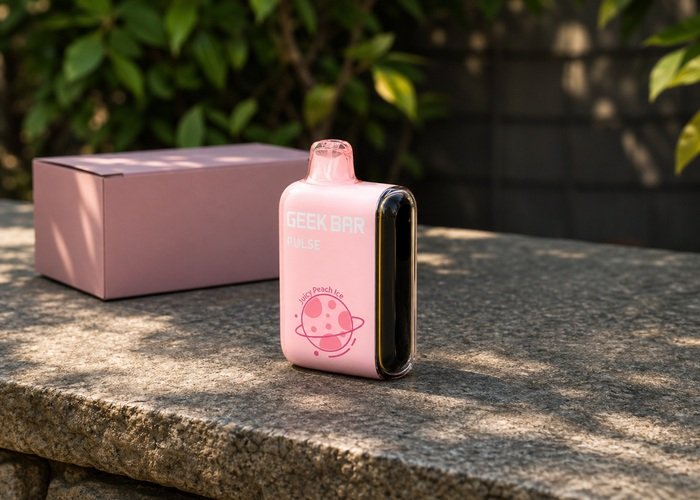
Keep the exact Geek Bar Pulse cool, upright and separated from metal objects while you prepare the report. Revisit the product page to confirm the model and retain the original package when available.
Do not open, puncture, crush or short the device. Review the battery fire-prevention guidance before deciding whether another session is appropriate.
When retirement is recommended, follow the household e-cigarette handling guidance and the seller’s transport instructions. Never improvise shipping for a damaged lithium battery.
Choosing to stop is a complete diagnostic result. A sealed product is replaceable, while a battery or nicotine exposure can create consequences that no extra test is worth.
Frequently asked questions
Is a warm Geek Bar Pulse always unsafe?
A slight temporary temperature change can occur, but uncomfortable heat, rising temperature or heat at rest is not a condition to keep testing.
Should I put a hot device in the freezer?
No. Extreme cooling and moisture can damage the battery. Use a clear, shaded, ventilated nonflammable surface for a stable device.
Can Pulse mode make the device warmer?
A stronger operating mode can add heat, especially with close-together draws, but persistent or uncomfortable heat still requires you to stop.
What if it gets hot only while charging?
Disconnect safely, separate the device from the adapter and document the cable and source. Do not continue with a faster charger.
Where should I dispose of it?
Use a local collection route for battery-containing electronic and nicotine products, never household trash or curbside recycling.