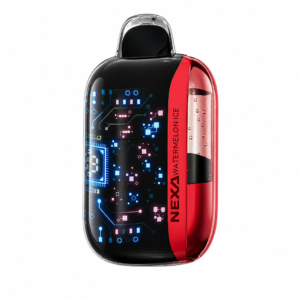
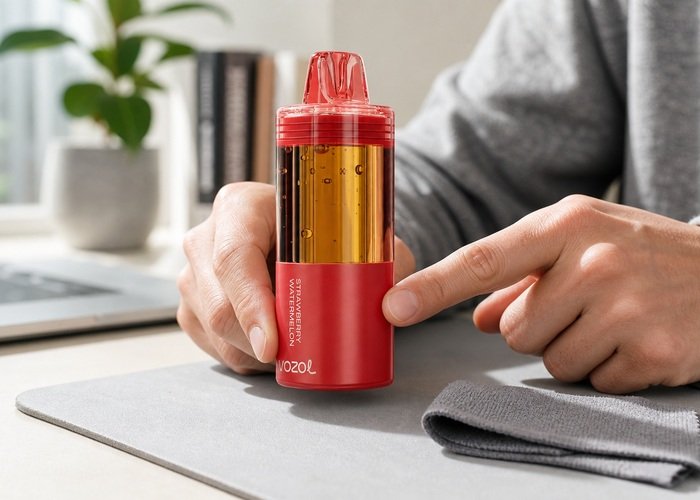
When a VOZOL Mega 50K pod is not connecting, the display may remain dark, the base may show no response, or the assembled device may not activate. The Mega uses a reusable rechargeable base with a compatible prefilled pod, so the first task is to confirm that both pieces belong to the same system and are aligned normally. The safe limit is visual inspection, dry exterior cleaning and one careful reattachment—never forcing, opening or wet-cleaning the battery section.
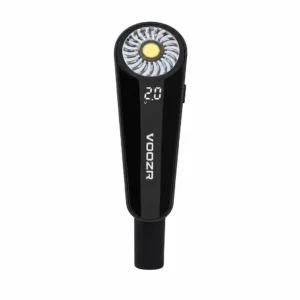
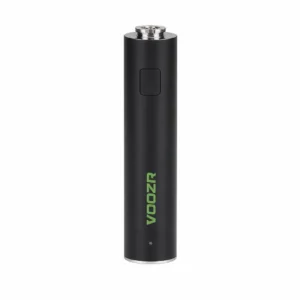
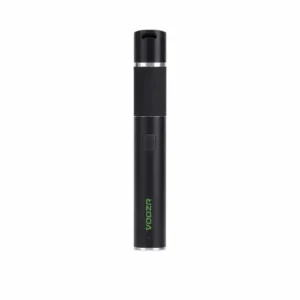
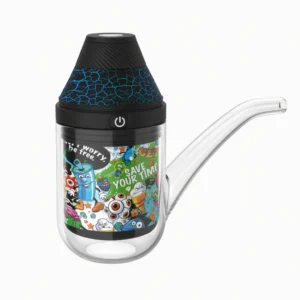
Place both components on a clean, dry, nonmetallic surface. If either piece is leaking, swollen, cracked, unusually warm or smells chemical, stop before assembly. Do not attach a wet pod to the base and do not connect USB power while checking the pod seam. The Airsipgo VOZOL Mega 50K product page provides the exact body, chamber and base appearance to compare.
Confirm whether you bought a complete kit or a pod-only replacement. A pod-only package requires an existing compatible Mega battery base. The Mega 50K kit and replacement guide explains what each package should include. Mixing a regional variant, wrong pod family or incomplete package can look like an electrical failure even when neither part is damaged.
Confirm the package and exact model
Read the product name on the pod and base rather than relying only on color. Keep the packaging until the first connection works. The mouthpiece, clear chamber and lower base should match the product reference. Do not assume that another cylindrical pod is compatible because it appears to fit. A near-fit can damage the seam, contacts or airflow path.
Check that shipping caps, bottom seals and protective films intended for removal are actually removed, but never peel a fixed gasket or factory seal. If the instructions are unclear, pause and contact the seller. A removable transport piece should come away without tools; a structural seal should not. Photograph the component before changing anything so the support team can see its delivered condition.
Regional versions can use different packaging or component arrangements. Use the order listing and product label together. Do not combine a specification from a video with a different regional package. The goal is not to prove a universal configuration but to verify that your two physical parts are intended to work together.
Inspect the mating surfaces without opening anything
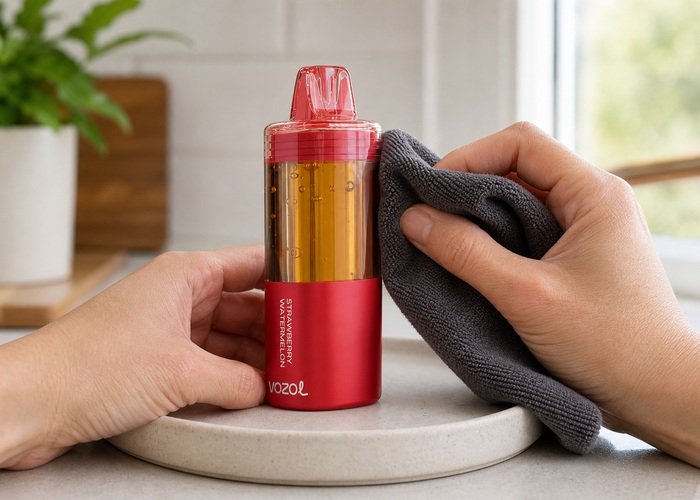
Hold the pod and base under steady light. Look for lint, packaging fragments, moisture, dents or an obviously bent edge on the accessible mating surfaces. Keep fingers off any exposed contact area as much as possible. Do not scrape with metal, bend a contact or insert a pin. A dry microfiber cloth can remove loose dust from the exterior edge; liquid cleaner cannot be used safely around a battery connection.
Inspect the clear chamber for seepage near the lower seam. A small bubble inside the liquid window can be normal movement, but liquid outside the intended chamber is not. Compare with the Mega 50K liquid-window bubble guide. If the seam is wet, separate the components only if it can be done normally and safely, then stop and document the condition.
Check the base for impact marks, swelling or a loose USB-C port. A dropped base can look intact while the connection is no longer reliable. Do not squeeze the casing to make a contact meet. The FDA’s overview of electronic nicotine delivery systems underscores that the product includes a heater, liquid and battery; improvised electrical repair is outside safe user maintenance.
Align and attach once
Orient the pod and base according to the product shape and instructions. Bring the parts together straight, without twisting or rocking. Stop if the seam closes unevenly, a corner catches or force is required. A correct assembly should sit consistently around the perimeter. Do not use tape, wedges or hand pressure to keep it connected.
After attachment, place the complete device upright and wait several seconds. Observe whether the display wakes or a normal status signal appears. Do not inhale repeatedly to provoke a connection. If one gentle normal draw is permitted by the instructions and the device is cool, dry and intact, use it once. Stop if the display flickers, the base heats or the connection drops when the device is resting.
If the display works only while the pod is pushed sideways or the base is squeezed, the connection is not stable. Remove pressure, place the device down and contact the seller. Holding the parts in a stressed position can worsen contact damage and hides a fault that may return in a pocket or during charging.
Check the battery base separately and safely
A completely discharged base can appear like a pod-connection fault. If the base is cool, dry and undamaged, charge it using a sound cable and a suitable ordinary USB source on a hard surface while staying nearby. Follow the VOZOL Mega 50K charging guide. Do not charge with a leaking pod attached unless the manufacturer instructions explicitly require the assembled unit and the entire device is dry.
Watch for a normal charging indication, but do not wiggle the cable or hold the connector at an angle. If the port is intermittent, becomes hot or fails to show any response after one controlled attempt, disconnect it. The U.S. Fire Administration charging guidance supports using appropriate equipment, avoiding unattended charging and responding to battery damage.
Charging cannot fix a mismatched pod, contaminated seam, damaged contact or swollen battery. Keep the diagnostic paths separate. First establish whether the base accepts a normal charge; then, after disconnecting and allowing it to rest, attempt one correct pod attachment. Do not alternate rapidly between charging and reassembly.
| Observed result | Most useful interpretation | Next step |
|---|---|---|
| Pod will not sit evenly without force | Wrong orientation, mismatch or damaged edge | Stop and verify package/model |
| Base shows no charging indication | Power, cable, port or battery issue | One controlled cable/source check |
| Display wakes only under hand pressure | Unstable connection | Stop use and contact seller |
| Seam or contact area is wet | Possible leak | Do not attach or charge; document and return |
Use the decision table
The table distinguishes a setup problem from a return condition. When two symptoms appear together, follow the safer row. A pod that aligns and wakes once but repeatedly disconnects is not successfully repaired. Stability while untouched matters more than a momentary display flash.
If the liquid window looks odd but the base works, review the Mega 50K liquid-window guide rather than opening the chamber. The transparent section is for observation, not refilling. A connection article should not become a liquid-handling experiment.
Do not test the suspect base with unrelated pods or devices. Cross-compatibility claims from public listings can be incomplete or region-specific. Use only a combination confirmed by the Airsipgo listing, package and seller. This also prevents a second product from being damaged during diagnosis.
Prepare the seller support record
Photograph the pod label, base label, package name, lower seam, USB-C port and the fully assembled fit. Record whether the base shows a charging indicator, whether the display wakes after one straight attachment, and whether pressure is required. Avoid posting serial numbers, receipts or personal details publicly. Share those items only through the private support channel.
Consult the Airsipgo warranty information. State whether the item was a complete kit or pod only, and include the exact order listing. A clear package mismatch is different from a confirmed electrical fault, and the seller needs that distinction to send the right replacement component.
If the base or pod must be retired, do not dismantle either piece. The EPA household e-cigarette guidance explains why residual nicotine and lithium batteries require careful collection. Local rules may treat the pod and base differently, so ask the collection point before separating or transporting them.
Avoid connection mistakes during future pod changes
Work on a dry table with enough light to see the seam before removing an exhausted pod. Set the reusable base down where metal objects cannot touch it, and keep the replacement pod in its packaging until you have confirmed the exact family and regional version. This prevents dust, moisture and mix-ups from entering the process before the new components meet.
When separating a normally removable pod, follow the package direction and pull in the intended line without twisting. Do not use pliers or pry under an edge. Inspect the empty-pod area and base from the outside, then wipe only loose dry debris. If a component is stuck, cracked or wet, stop and ask support rather than converting a routine replacement into a battery repair.
After attaching a confirmed compatible replacement, allow the assembled device to sit upright before the first gentle draw. Watch for a stable display, an even seam and normal idle behavior. Do not assume a momentary screen flash proves the connection is good. A reliable setup should remain connected without hand pressure, rocking or repeated removal and reattachment.
Keep the old pod and packaging until the new connection is verified, but store them away from children and pets. If a return is needed, follow the seller’s instructions for shipping or local handling; battery and nicotine products may not be accepted through ordinary channels. A careful change record—old pod, new pod, base response and photographs—makes support faster without opening any component.
Label the compatible base in a private storage area if several adult users own similar systems. The label belongs on the storage tray or case, not over vents, controls or the product seam. This simple organization step prevents a correct-looking but incompatible pod from being tested on the wrong battery, and it preserves the original product markings for warranty photographs.
Before ordering another replacement, compare the exact product title, photographs and package contents with your first successful setup. Do not rely on a shortened marketplace name or puff count alone. If the listing does not state whether the base is included or which regional version it supports, ask the seller before purchase. Preventing a mismatch is safer than troubleshooting one after the seal has been opened.
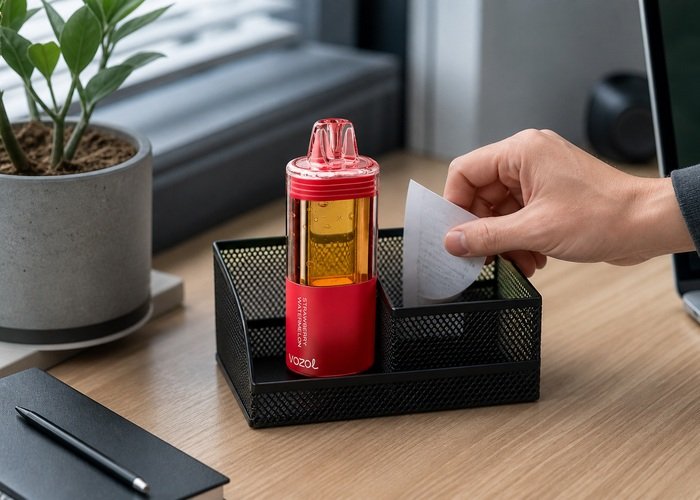
After the single attachment check, place the assembled Mega 50K upright and observe it without touching. A stable display and normal idle state are more meaningful than a brief flash during assembly. If it disconnects on the table, do not keep pressing the pieces together. Record the result and leave it unused.
Store a cool, dry base and pod away from metal objects, direct sun and children while support responds. Keep leaked material in a safe isolated area according to local guidance, but do not seal a warm battery in plastic. If the base changes shape, heats or develops odor, increase distance and seek appropriate help.
The EPA lithium-ion battery guidance explains why battery bases should not go into household trash or curbside recycling. The Poison Control e-cigarette page provides exposure guidance if nicotine liquid reaches skin, eyes or the mouth.
The answer to a VOZOL Mega 50K pod not connecting is a disciplined checklist: confirm kit versus pod, verify the exact model, inspect dry accessible surfaces, align once, check the base separately and stop when pressure, heat, liquid or repeated disconnection appears. Correct identification is safer and faster than forcing a near-fit.
Frequently asked questions
Why does my VOZOL Mega 50K screen stay dark after attaching the pod?
The base may be discharged, the pod may be misaligned or mismatched, or the connection may be unstable. Verify the package and perform one straight attachment.
Can I clean the contacts with alcohol?
No. Use only a completely dry microfiber cloth on accessible exterior surfaces. Do not apply liquid around the battery connection.
Should I press the pod harder if it does not connect?
No. Force can damage the seam or contacts. Stop and verify orientation, compatibility and visible damage.
How do I know whether I bought a kit or pod only?
Check the order listing and package contents. A pod-only replacement requires a compatible rechargeable Mega base.
Can I charge the base during troubleshooting?
Only if it is cool, dry and undamaged, using one supervised session with a sound cable and suitable source.