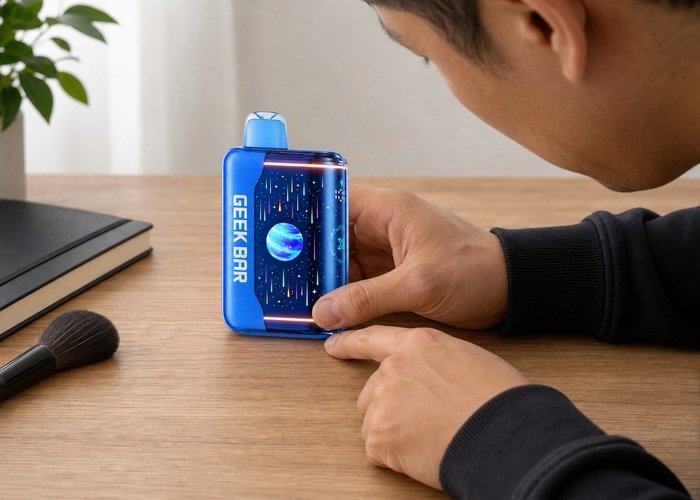
A Geek Bar Pulse X2 airflow slider stuck in one position should be treated as a control fault, not an invitation to pry the base. First determine whether the slider is simply at its designed stop, blocked by visible lint, or physically loose, tilted or immovable. Use only light finger pressure within the normal path. If the control needs a tool or force, stop.
Place the Pulse X2 on a dry, well-lit surface and inspect the control before taking another draw. A stiff slider can change draw resistance, but a tight draw can also come from an obstructed mouthpiece, condensation or an activation fault. Keeping these symptoms separate prevents a control article from turning into unsafe internal repair.
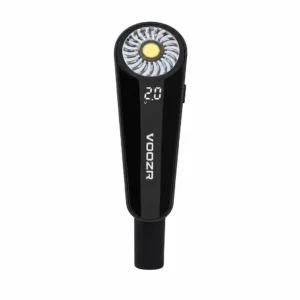
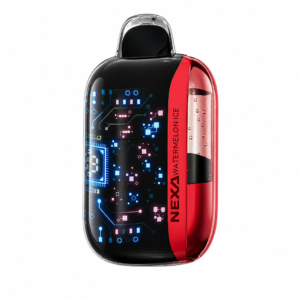
Compare the curved screen, mouthpiece and control layout with the Airsipgo Geek Bar Pulse X2 product page. The Pulse X2 airflow guide covers normal adjustment and draw feel; this checklist focuses on a slider that no longer moves through that ordinary range.
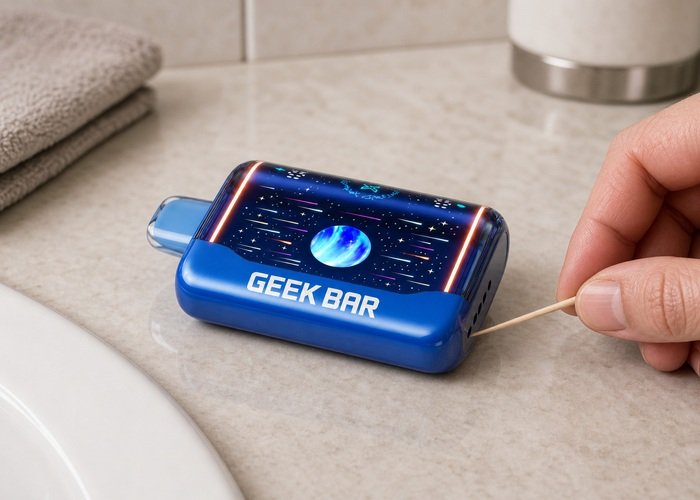
Confirm that the control is actually stuck
Use a fingertip to apply gentle pressure in the intended direction. Do not press downward into the casing. A normal control may have defined end stops and moderate resistance; a stuck control does not move at all, catches midway, tilts, or springs back unpredictably. Note its exact position before trying anything else.
Look for a transport film, pocket lint or a visible crumb around the accessible exterior slot. Remove only loose material that lifts away without entering the opening. Do not insert a pin, blade, needle or screwdriver. Even a wooden pick should remain outside the slot; the goal is observation, not excavation.
If the slider moved normally until a drop, impact or liquid event, stop rather than forcing it. Photograph the base and control from two angles. A control that has shifted after impact may be attached to damaged internal parts even when the exterior shell looks intact.
Separate slider resistance from a tight draw
A tight draw does not prove the slider is broken. Check the mouthpiece for an intact cap or loose packaging material, then inspect the exterior air openings under light. Do not blow hard through either end. Strong reverse airflow can move condensation toward the sensor and create a second symptom.
If the slider is in an open position but the draw remains restricted, stop after one gentle test. Use the Pulse X2 first-use checklist to confirm packaging and ordinary setup. A new device that never had a normal draw is a return candidate, not a repair project.
If the screen wakes but no vapor appears, review the site’s screen-on but no-vapor guide for the related Pulse family symptom. Do not keep inhaling harder to overcome a control that will not move.
Use a dry exterior-only cleaning boundary
With the device cool and inactive, wipe the surrounding exterior with a clean dry microfiber cloth. Hold the unit so loose debris falls away from the slot rather than into it. Do not wet the cloth, spray cleaner, apply alcohol or use compressed air near the control.
Allow a device that moved from a cold to warm environment to reach normal room temperature while standing upright. Condensation can change how a surface feels, but heat, a hair dryer, refrigerator or freezer is not an acceptable shortcut. Do not charge or test it while moisture is visible.
After the dry wipe, make one gentle slider attempt. If it still catches or needs more pressure than normal, stop. Repeated cycling can damage the control, hide the original position and weaken a warranty claim.
Use the decision table before another draw
The position of the slider and the condition of the device matter together. A control at a normal end stop with an ordinary draw may not be faulty. A tilted or loose control, especially after impact, should not be used simply because vapor still appears.
If the device becomes hot, hisses, leaks or activates while untouched, close the checklist immediately. Follow the Pulse auto-firing and hissing guidance. Do not try to use the stuck control as an emergency shutoff when moving it requires force.
A screen indication can show a mode or battery state, but it cannot confirm that the mechanical airflow path is intact. Avoid assuming the slider is safe because the display changes. Physical resistance, position and external damage are the decisive observations.
| Slider observation | Meaning | Action |
|---|---|---|
| At end stop; normal draw | May be normal position | Compare with airflow guide |
| Loose, tilted or springs back | Mechanical fault | Stop and document |
| Visible loose lint outside slot | External obstruction | Dry exterior wipe only |
| Needs a tool or strong pressure | Not user-serviceable | Do not force; contact seller |
Prepare a useful warranty record
Photograph the full device, both ends, the slider at rest, the surrounding slot and any visible debris or impact mark. Record whether the slider ever moved normally, when it became stiff, whether the draw changed, and whether the screen or temperature behaved differently. A short video can show gentle finger pressure without exposing private data.
Review the Airsipgo warranty page. Describe the exact model and position: fully open, fully closed or between stops. State whether it is immovable, tilted, loose or only unusually stiff. That wording helps support distinguish setup confusion from physical damage.
Do not post order numbers, verification codes or addresses publicly. Do not claim an internal track, spring or sensor failed without confirmation. Clear exterior evidence and a simple timeline are sufficient for a return decision.
Recognize when the device should be retired
Stop using the Pulse X2 if the stuck control is paired with heat, swelling, a cracked shell, leaking, chemical odor, sustained sound or vapor while untouched. Keep the cool unit upright on a nonmetallic surface away from keys and coins while support responds.
If nicotine liquid appears around the control, mouthpiece or charging port, do not charge or retest. The Poison Control e-cigarette page gives exposure guidance if liquid reaches skin, eyes or the mouth. Keep contaminated material away from children and pets.
Do not dismantle a rejected device to free the slider. The EPA guidance for disposing of e-cigarettes explains why the nicotine reservoir and lithium battery require appropriate collection.
Avoid fixes that damage the slider or battery
Do not pry the control with a knife, paper clip or screwdriver. A metal tool can slip into the device, bridge contacts or puncture an internal part. The FDA overview of electronic nicotine delivery systems shows why the sealed liquid, heater and battery assembly should remain closed.
Do not drip alcohol, oil or lubricant into the slot. Residue can migrate toward the sensor or battery, collect dust and make future evidence ambiguous. A dry external surface is the only cleaning condition suitable for the short check.
Do not strike the base against a table or squeeze the shell. If impact makes the slider move, it has not safely repaired the underlying cause. It has only added stress and changed the evidence support needs.
Do not continue using a fixed setting if the device no longer provides a comfortable ordinary draw. Compensating with harder or longer inhalation can pull condensation toward the mouthpiece and masks a control that should be replaced.
Check the control while the device is resting on the table, not while it is in your mouth. This keeps your face away from the unit if the shell, sound or temperature changes. It also lets you apply pressure in the intended horizontal direction instead of accidentally pushing the slider into the casing.
A magnifying glass or phone camera zoom is safer than probing the slot. Good lighting can reveal whether a visible fiber is sitting outside the opening or disappears beneath the shell. If it extends inside, leave it alone. Support can decide whether the product should be replaced; pulling an internal strip may damage a seal or sensor.
Record the slider position relative to a fixed edge in the photograph. Take one image from directly above and one from the side. This shows whether the control is centered, tilted or recessed without needing a ruler or mark on the device. Do not draw lines, scratch reference marks or apply tape to the product.
If the control became stiff after pocket carry, check the surrounding shell for pressure marks and lint. Do not conclude that pocket debris is the cause merely because it was carried. Heat, impact and mechanical damage can produce the same timing. Report the storage context and let the visible evidence support the decision.
If the slider moves but the screen reports a different mode from the physical position, stop. A mismatch between the control and interface is more important than the fact that either part still responds. Repeatedly cycling the slider to make the display catch up may worsen the fault and drains useful evidence from the support record.
Avoid charging during a purely mechanical check unless the battery is genuinely low and the device otherwise passes every safety condition. Charging cannot free a jammed slider. Adding a cable makes it harder to observe the base and introduces heat near the area you are inspecting.
When the device is new, preserve every removable transport piece and the package until the slider and draw have been verified. A factory-stiff or misaligned control should be reported promptly. Do not wear it in through repeated force; normal controls should not require a break-in repair routine.
If the product is outside the return window, the same safety boundary still applies. Warranty status does not turn a sealed airflow mechanism into a user-serviceable part. Retiring a faulty unit through an appropriate collection route is safer than extending its life with improvised mechanical work.
When comparing draw resistance, use only your memory of the same device before the fault or a normal position described in the product guide. Do not share another person’s device or test several units back to back. Hygiene and model differences make that comparison less useful than the physical slider evidence.
A stiff slider accompanied by a wet mouthpiece deserves a leak or condensation assessment before any movement. Set the unit upright, wipe only the exterior and do not charge it. Liquid can make the control feel resistant while also creating a reason to stop use entirely.
If the slider is frozen in the closed position, do not inhale against it. Strong suction does not unlock a mechanical control and can pull liquid toward the mouthpiece. The CDC e-cigarette health information also reinforces keeping nicotine products away from youth and non-users.
For charging-related safety, review the FDA tips for avoiding vape battery incidents. A cable or power source is not a mechanical repair tool, and the device should not be charged while wet, damaged, hot or under active inspection.
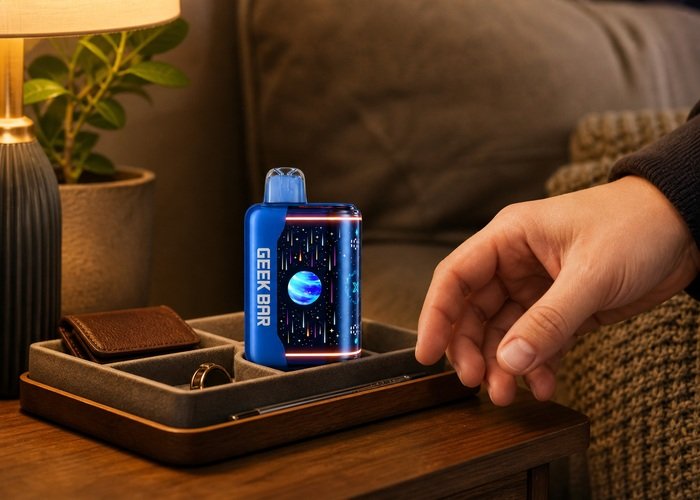
After the single dry check, leave the Pulse X2 upright and untouched. If the slider remains stiff, preserve its position and contact support. If it moves normally once but sticks again, treat the recurrence as a fault rather than repeating the procedure.
The U.S. Fire Administration battery guidance supports paying attention to physical damage and using battery products only as intended. A stuck control is not worth a battery-level repair attempt.
For end-of-life handling, the EPA lithium-ion battery page explains why these products should not enter household trash or curbside recycling.
The practical response to a Geek Bar Pulse X2 airflow slider stuck in place is simple: verify the normal stops, remove only loose exterior debris, try gentle movement once, and stop before force, tools or liquid cleaning become part of the process.
Frequently asked questions
Why is my Pulse X2 airflow slider hard to move?
It may be at a designed stop, blocked by loose exterior debris or physically damaged. Inspect it under light and use only gentle finger pressure.
Can I use a pin to clear the slot?
No. Do not insert tools into the airflow opening or control slot.
Can I lubricate the slider?
No. Oil, alcohol and cleaners can enter the sealed device and create a larger problem.
Is it safe to keep using one airflow setting?
Not when the control is tilted, loose, repeatedly stuck or paired with an abnormal draw. Contact support.
What if the device gets hot?
Stop immediately, set it down safely away from people and flammable material, and do not charge or manipulate it.