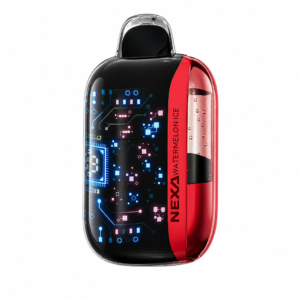

If your Geek Bar Pulse X battery appears to drain unusually fast, first separate normal high-power consumption from a damaged or defective device. Pulse Mode, longer draws, frequent use, screen activity, low ambient temperature, and repeated short charging sessions can all reduce the time between charges. A drop that continues while the device is switched off, unexpected heat, or a fall from full to empty after only a few draws is not something to ignore.
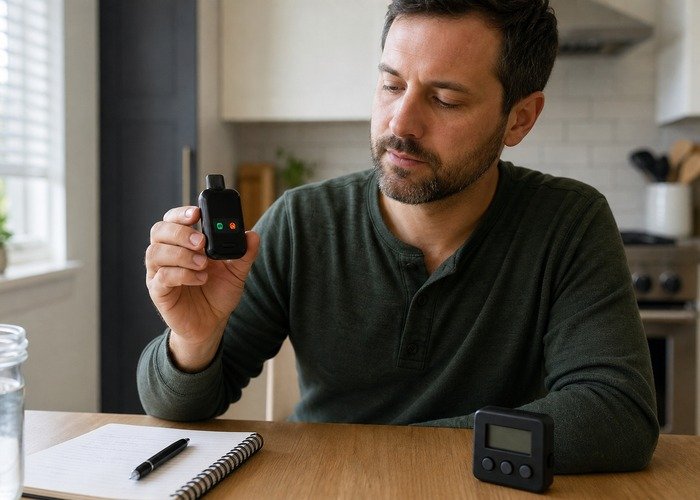
The practical approach is to record the mode, battery reading, liquid reading, charging source, and time. Change only one variable at a time. This produces better evidence than guessing from a single percentage change and gives the retailer useful information if a return is needed.
Nicotine is addictive. This guide is intended for adults who already use nicotine products. Stop using any device that becomes unusually hot, swells, leaks, hisses, or fires without a draw. Do not open, refill, puncture, or attempt to repair a sealed disposable device.
Start with the mode
The Geekbar Pulse X offers Regular and Pulse operation. The manufacturer describes different puff ratings for the two modes, which indicates that the stronger setting is designed to consume stored energy and liquid faster. Use Regular Mode for a full charge cycle before deciding the battery is faulty.
Do not compare your result with someone else’s number of days. Puff length, frequency, airflow, temperature, and time spent in the stronger mode matter. Compare the same device against itself under controlled conditions.
A simple one-day battery log
| Time | Mode | Battery | Liquid | Observation |
|---|---|---|---|---|
| After charging | Regular | Displayed reading | Displayed reading | Device cool, cable removed |
| Midday | Regular | Displayed reading | Displayed reading | Note approximate use |
| Evening | Regular | Displayed reading | Displayed reading | Check heat or leakage |
Charge on a clear, stable surface and disconnect when complete. The FDA overview of electronic nicotine delivery systems notes battery-related hazards, while the U.S. Fire Administration provides fire-safety context for electronic cigarettes.
Check the charging setup
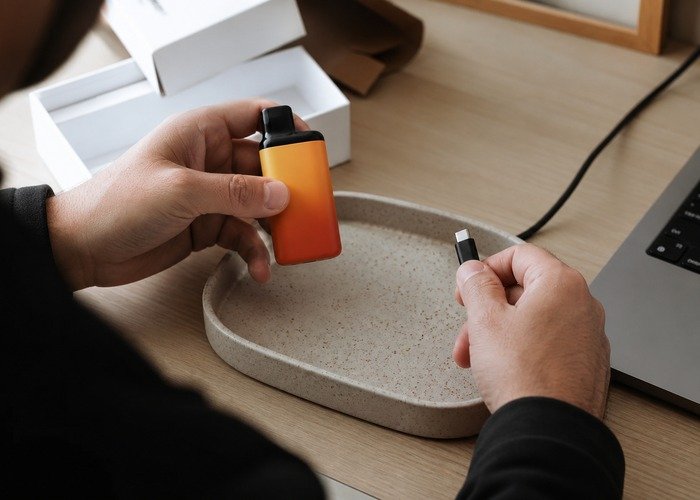
Use an undamaged USB-C cable and a conventional, compatible power source. Stop if the port is loose, wet, contaminated, or damaged. Do not charge in a pocket, vehicle cup holder, on bedding, or beside flammable material. If one cable produces intermittent charging, test a known-good cable once; do not keep reconnecting a hot device.
The screen is an estimate, not laboratory equipment. A reading that changes in steps may reflect how the indicator is programmed. What matters is whether the device continues to operate normally, stays cool, and produces a repeatable pattern.
When fast drain becomes a return issue
- The battery falls rapidly while the device is not being used.
- The case or charging port becomes unusually hot.
- The device fires, lights, or hisses without a draw.
- The charging reading repeatedly jumps or never completes.
- There is swelling, leaking, a chemical smell, or physical damage.
Stop using the device when any of these signs appears. Keep the box and order record, take photographs, and follow the Airsipgo warranty process. Do not disguise the problem by repeatedly charging or attempting to open the case.
A suspicious device should also be checked through the product verification guidance. A failed security check does not prove why the battery drains, but it changes the appropriate response from troubleshooting to return and reporting.
Regular Mode or Pulse Mode?
Use Regular Mode when the priority is predictable battery and liquid consumption. Reserve Pulse Mode for short periods when stronger output is intentionally preferred. If the battery behaves normally in Regular Mode but falls faster in Pulse Mode, that is consistent with the basic mode trade-off rather than proof of a defect.
For model context, compare the original Geekbar Pulse and the newer Geekbar Pulse X2. Do not transfer battery expectations between generations without checking their current specifications.
Safe end-of-life handling
Disposable vapes contain electronics, a lithium-ion cell, and residual nicotine. The EPA recommends appropriate collection for used lithium-ion batteries rather than household trash or curbside recycling. Ask a local hazardous-waste or electronics collection service whether it accepts intact disposable nicotine devices.
For order assistance, use the contact page and provide the order number, model, flavor, security-code result, charging setup, and a short timeline. Clear evidence is more useful than an estimate of how many puffs were taken.
Frequently Asked Questions
Why does Pulse Mode drain the battery faster?
It is the higher-output setting. Stronger output requires more stored electrical energy and generally consumes liquid faster.
Is a five-percent jump proof that the battery is faulty?
No. Indicators can update in steps. Judge the repeatable operating time, temperature, charging behavior, and whether the device drains while switched off.
Should I leave it charging overnight?
No. Charge where you can observe it and disconnect when charging is complete.
Can I replace the battery?
No. The device is sealed and is not designed for consumer battery replacement.
What should I do if it becomes hot?
Stop using and charging it, keep away from combustible material, and follow retailer and local safety guidance.